
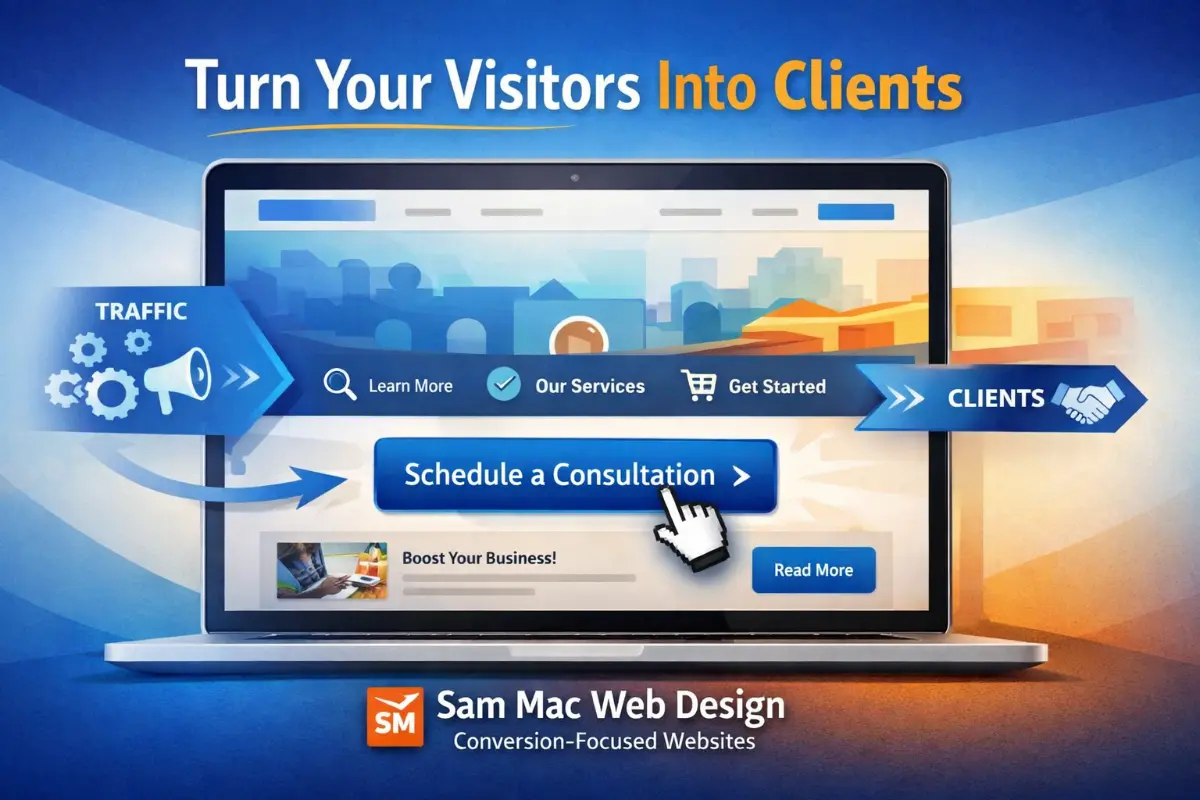
• How Strong Calls-to-Action (CTAs) Drive Your Website Goals and Your Revenue

    How Strong Calls-to-Action (CTAs) Drive Your Website Goals and Your Revenue

    If your website is getting traffic but not generating leads, bookings, or sales, the issue often isn’t design, it’s direction. Visitors don’t convert when they’re unsure what to do next. That’s where strategic Calls-to-Action (CTAs) make all the difference.

    A well-designed CTA turns passive browsing into measurable results. Whether your goal is more consultations, quote requests, purchases, or sign-ups, your CTA strategy is one of the most important conversion tools on your website.

    Let’s break down how CTAs impact your site goals and how to use them effectively.

    What Is a Call-to-Action (CTA)?

    A CTA is a clear instruction that tells your visitor what step to take next. It can be a button, link, banner, or form prompt.

    Examples:

    • Schedule a Consultation
    • Get a Free Quote
    • Download the Guide
    • Book Your Call
    • Start Your Project
    • Contact Us Today

    CTAs are not just buttons, they are decision triggers.

    Why CTAs Matter for Website Performance

    Many websites focus heavily on layout and visuals but overlook conversion structure. Without intentional CTAs, visitors may:

    • Scroll without acting
    • Leave without contacting you
    • Get distracted by too many choices
    • Not understand your services clearly
    • Delay action and never return

    A strong CTA system helps your website:

    • Increase lead generation
    • Improve conversion rates
    • Guide visitor behavior
    • Support business goals
    • Reduce bounce rates
    • Shorten the decision cycle

    Your website should function like a guided path and not an open maze.

    CTAs Connect Directly to Site Goals

    Every website should have defined goals. Your CTAs should align with those goals.

    Examples of Goal-Driven CTAs:

    Service Businesses

    • Schedule a Consultation
    • Request a Proposal
    • Book a Strategy Call

    Local Businesses

    • Get Directions
    • Call Now
    • Request an Estimate

    E-Commerce

    • Add to Cart
    • Buy Now
    • Claim Offer

    Content & SEO Sites

    • Download Resource
    • Join Newsletter
    • Get the Checklist

    When your CTA matches your business objective, your website starts working for you.

    CTA Placement Is Just as Important as CTA Wording

    Many sites hide their primary CTA at the bottom of a page. That’s a missed opportunity.

    High-performing websites place CTAs:

    • Above the fold (visible without scrolling)
    • After key benefit sections
    • In the middle of longer pages
    • At the end of each major section
    • On service pages
    • In the header navigation
    • As sticky buttons (when appropriate)

    Visitors should never have to search for how to contact or hire you.

    CTA Copy That Converts

    Generic buttons like “Submit” or “Click Here” underperform because they lack value.

    High-converting CTAs focus on outcome and clarity:

    Instead of:

    • Submit

    Use:

    • Schedule My Consultation
    • Get My Website Audit
    • Start My Project
    • Talk With a Designer

    Action + Benefit = Better conversion.

    Visual Design Impacts CTA Success

    Design plays a measurable role in CTA performance.

    Effective CTAs:

    • Contrast with the page color palette
    • Use whitespace to stand out
    • Have clear button styling
    • Are large enough to tap on mobile
    • Use readable fonts
    • Avoid clutter around them

    A beautiful site that hides its CTA is like a store with no checkout counter.

    Mobile CTAs Are Critical

    More than half of website traffic is mobile. Your CTA must be:

    • Easy to tap
    • Visible without excessive scrolling
    • Not blocked by popups
    • Properly spaced
    • Fast to load

    Mobile conversion optimization is now a requirement.

    One Page = One Primary CTA Goal

    Too many CTAs create confusion. Each page should have one primary action supported by secondary options.

    Example service page structure:

    • Primary CTA: Schedule a Consultation
    • Secondary CTA: View Portfolio
    • Supporting CTA: Download Service Guide

    Clarity beats quantity.

    CTA Testing Improves Results

    Small changes can produce large gains:

    • Button wording
    • Color contrast
    • Placement
    • Size
    • Supporting text
    • Form length

    Conversion optimization is not guesswork. It’s strategic testing and refinement.

    How I Build CTA Strategy Into Every Website Project

    At Sam Mac Web Design, I don’t just build websites, I build conversion paths. Every site I design or audit includes:

    • Goal-aligned CTA mapping
    • Conversion-focused page structure
    • Strategic placement planning
    • Mobile CTA optimization
    • SEO-friendly action prompts
    • Consultation and lead funnel setup

    Because traffic without action doesn’t grow a business.

    Ready to Turn Your Website Into a Lead Generator?

    If your site isn’t converting visitors into inquiries, bookings, or clients, your CTA strategy may be the missing piece.

    Let’s fix that.

    I offer website audits, conversion optimization, and full builds designed to support real business goals.

    Schedule your consultation and let’s make your website work smarter.

    GET IN TOUCH

    Schedule a Call

  • WordPress, Wix, or Squarespace, oh my! Which is better for your growing Arizona business?

    WordPress, Wix, or Squarespace, oh my! Which is better for your growing Arizona business?

    If you’re a business owner in Arizona, your website is often the first impression potential customers have of your brand. Whether you’re based in Tucson, Oro Valley, Marana, Bisbee, Casa Grande, Phoenix, Scottsdale, Tempe, Mesa, Chandler, or anywhere in AZ, choosing the right website platform can directly impact your visibility, leads, and revenue.

    Many business owners ask me at Sam Mac Web Design:

    Should I use WordPress, Wix, Squarespace, or another website builder?

    While all platforms can get a site online, only one consistently delivers the flexibility, SEO strength, and marketing power needed for long-term business growth: WordPress.

    Here’s the breakdown.

    WordPress Website Design for Arizona Businesses

    WordPress powers more than 40% of all websites worldwide, including many high-performing local business sites across Arizona.

    At Sam Mac Web Design, I specialize in WordPress web design services in AZ because WordPress allows us to build websites that don’t just look good, but also rank, convert, and scale.

    ✅ Pros of WordPress

    • Full ownership of your website and content
    • Advanced SEO optimization (ideal for Arizona local search)
    • Highly customizable design and functionality
    • Integrates with CRMs, email marketing, booking systems, and analytics
    • Excellent blogging and content marketing capabilities
    • Scales easily as your Arizona business grows
    • Strong performance optimization for speed and mobile users

    ❌ Cons of WordPress

    • Requires hosting and regular maintenance
    • DIY builds can cause security or performance issues
    • Best results come from professional setup

    💡 Why this matters for AZ businesses:
    Local competition is strong. A properly built WordPress website optimized for Arizona SEO gives you a competitive edge in Google Maps, local search, and organic rankings.

    Wix Website Builder: Pros and Cons for Marketing

    Wix is often chosen by startups and DIY users who want something quick.

    ✅ Pros of Wix

    • Easy drag-and-drop editor
    • No hosting setup required
    • Fast initial launch

    ❌ Cons of Wix

    • Limited SEO control for local Arizona searches
    • Slower load times as content grows
    • Difficult to migrate away from later
    • Limited customization and marketing flexibility
    • Not ideal for content-driven growth

    📉 Bottom line:
    Wix can work short-term, but many Arizona business owners eventually outgrow it and need a full rebuild.

    Squarespace Websites: Visually Polished, Structurally Limited

    Squarespace is known for modern templates and clean design.

    ✅ Pros of Squarespace

    • Attractive out-of-the-box designs
    • All-in-one platform
    • Minimal setup

    ❌ Cons of Squarespace

    • Limited SEO customization
    • Rigid layouts and templates
    • Not ideal for advanced funnels or integrations
    • Blogging and content tools are weaker than WordPress
    • Monthly costs add up quickly

    🎨 Best for portfolios but not performance-driven business sites.

    Website Builders Comparison: WordPress vs Wix vs Squarespace

    FeatureWordPressWixSquarespace
    SEO Power⭐⭐⭐⭐⭐⭐⭐⭐⭐
    Customization⭐⭐⭐⭐⭐⭐⭐⭐⭐
    Scalability⭐⭐⭐⭐⭐⭐⭐
    Blogging⭐⭐⭐⭐⭐⭐⭐⭐⭐
    Long-Term Value⭐⭐⭐⭐⭐⭐⭐⭐⭐

    Why Professional WordPress Web Design Outperforms DIY Builders

    The real decision isn’t just about platforms, it’s about strategy.

    A professionally built WordPress website for your Arizona business:

    • Converts visitors into leads
    • Supports long-term local SEO
    • Loads faster on mobile devices
    • Integrates seamlessly with marketing tools
    • Eliminates the need for frequent rebuilds

    At Sam Mac Web Design, I create custom WordPress websites designed around your business goals, audience, and local AZ market.

    Best Website Platform for Small Businesses in Arizona

    If your goal is:

    • Ranking on Google in AZ
    • Growing organic traffic
    • Capturing leads consistently
    • Building long-term brand authority

    👉 WordPress is the best foundation.

    And when built by an experienced Arizona WordPress web designer, it becomes a powerful marketing asset, not just a website.

    FAQs: WordPress, Wix, and Squarespace for Arizona Businesses

    Is WordPress better than Wix for SEO?

    Yes. WordPress offers significantly more control over SEO elements like site structure, metadata, page speed, schema, and local SEO optimization, especially important for Arizona businesses competing locally.

    What is the best website builder for small businesses in Arizona?

    For long-term growth, WordPress is the best website platform for Arizona small businesses. It provides flexibility, scalability, and stronger SEO compared to Wix or Squarespace.

    Do Arizona businesses really need professional WordPress design?

    Yes. DIY builders often lead to slow load times, poor SEO structure, and limited conversions. A professionally built WordPress site helps Arizona businesses rank higher, convert more visitors, and avoid costly rebuilds.

    Can I switch from Wix or Squarespace to WordPress later?

    Yes, but migrations often require a full rebuild. Many Arizona clients come to us after outgrowing Wix or Squarespace and wish they had started with WordPress.

    Does Sam Mac Web Design offer WordPress services in Arizona?

    Yes. Sam Mac Web Design provides custom WordPress web design services for Arizona businesses, including SEO optimization, performance tuning, and ongoing support.

    Ready to Build a High-Performing WordPress Website in AZ?

    If you’re looking for professional WordPress web design services in Arizona, Sam Mac Web Design can help. I build custom, SEO-optimized WordPress websites that support real business growth and not just aesthetics.

    GET IN TOUCH

    Schedule a Call